Message Template Editor
The HTML message template editor is available for email templates, and can be accessed from the following locations within UMS:
Customer Contact Wizard (emails only)
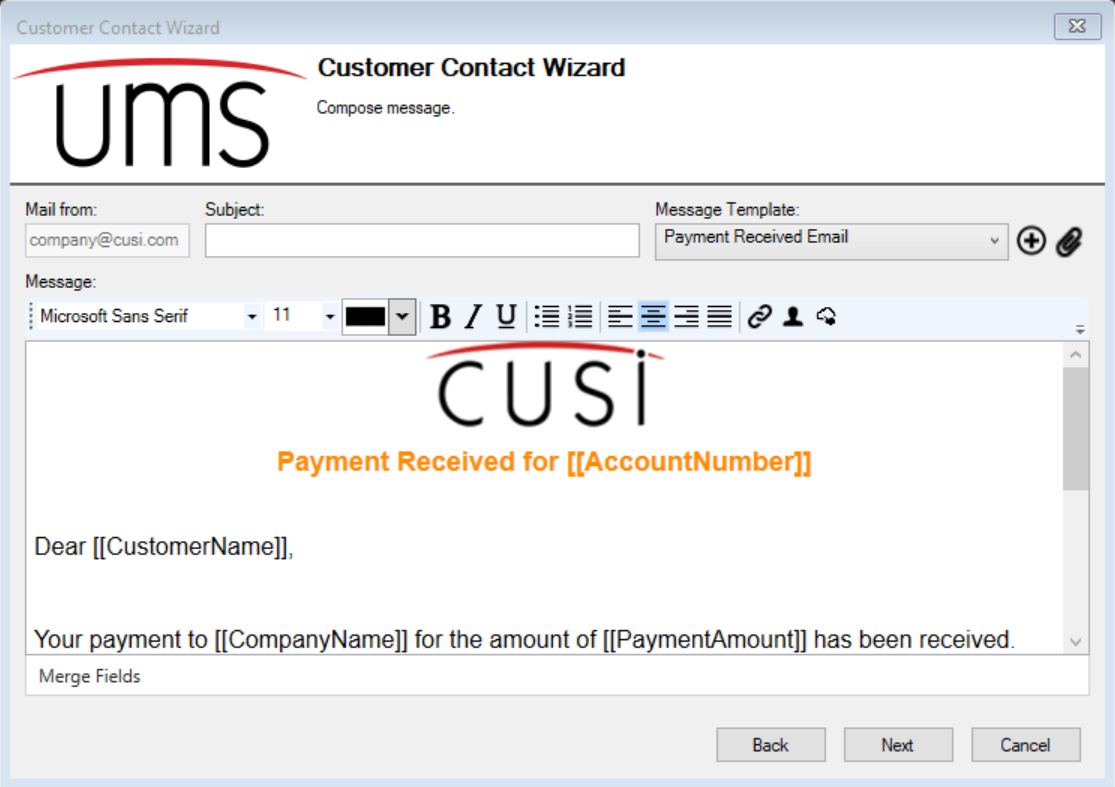
Figure: Message template editor in the customer contact wizard
Setup AMS Message Templates -> Edit Message Template (emails only)
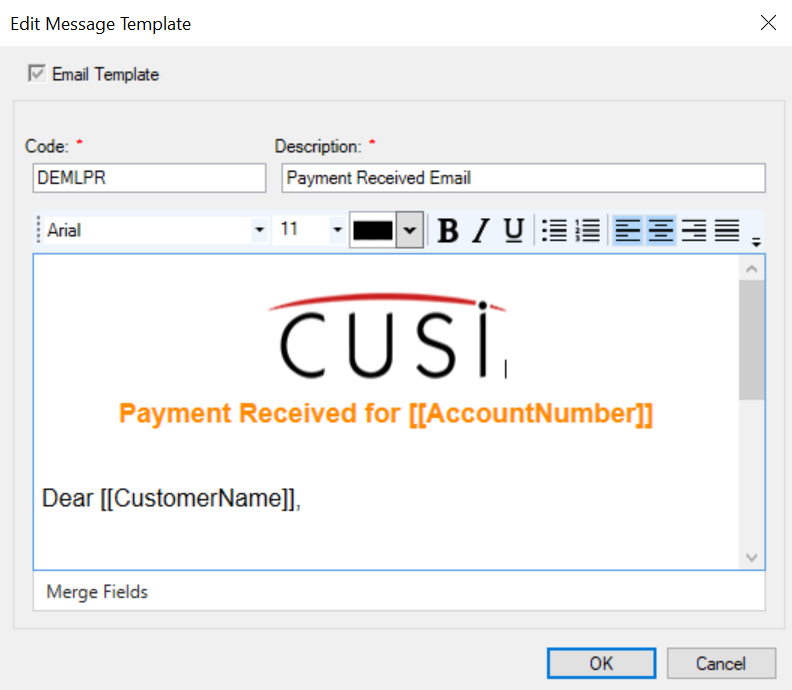
Figure: Message template editor in edit message template
Configure eBill
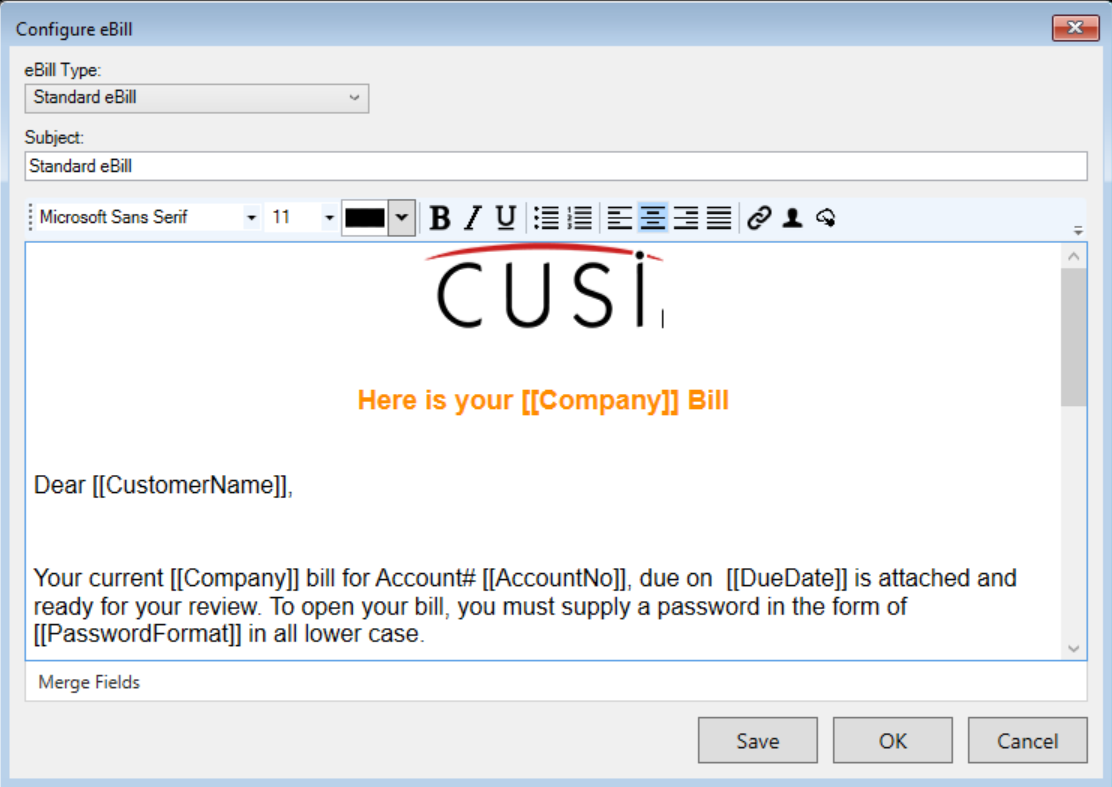
Figure: Message template editor in configure eBill
The message template editor has the following functionality to format text:
Font picker
Font size picker
Text color picker
The ability to bold, italicize and underline text
The ability to add bulleted/numbered lists
The ability to left, center or right align, or justify content
Other functionalities
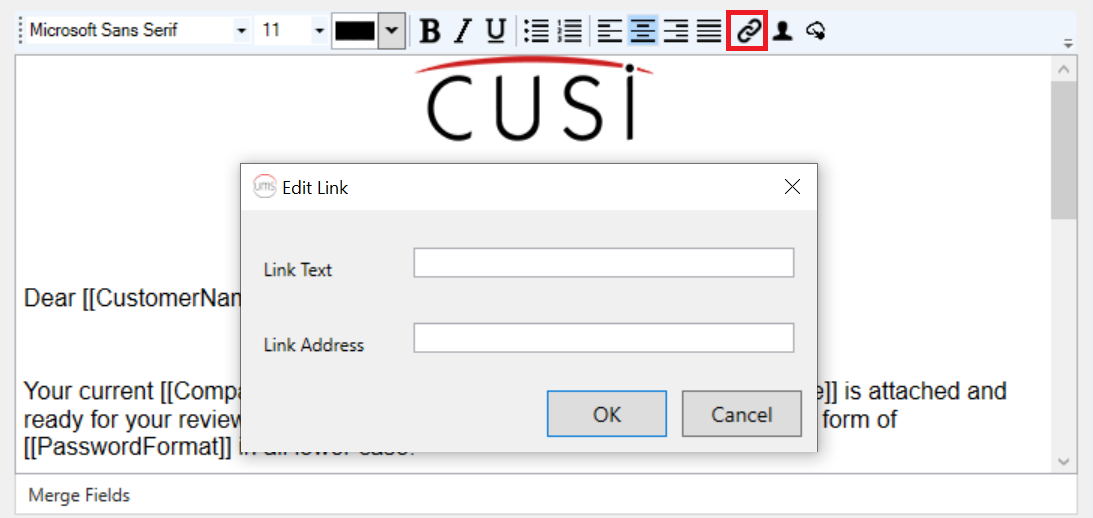
Add a hyperlink
Clicking the Hyperlink button will open a window titled Edit Link, to be able to enter the hyperlink text, followed by the link address. Only valid URLs will be accepted as link addresses.
Figure: Edit link window
Embed an image
An image can be added to an email message template from the local file system. The image will be stored as part of the template in the database, and will be sent with the rest of the email body when the message template is utilized.
The image cannot be resized or edited once it has been embedded into the template, therefore, it would be necessary to edit the image appropriately beforehand. Once uploaded though, the image can be aligned with the rest of the text as desired, using the alignment buttons.
Clicking the Embed Image button will open a window to browse to the image to embed. Note that only JPG/JPEG and PNG images are supported, therefore, only files of this type will be available for selection using the file browser window.
Figure: File browser window to select an image to embed
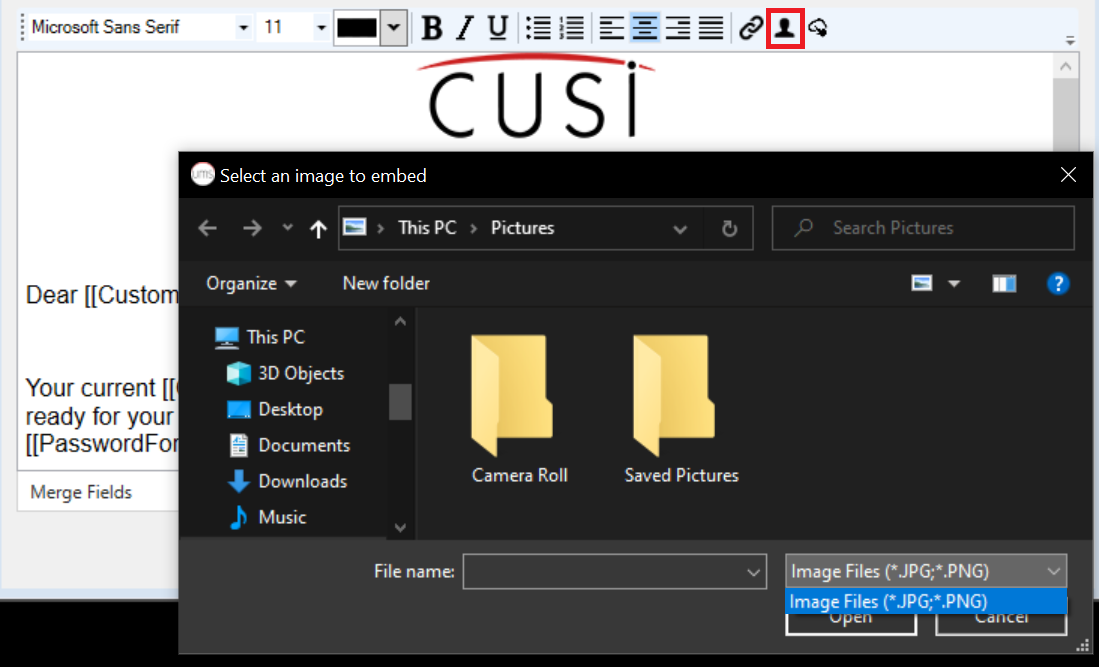
Once an image file is selected, the image will be appended to the template at the current position of the cursor, and should be visible in the template editor. To save and load templates with embedded images quickly, and to send emails using the templates seamlessly, it is advised to keep image sizes to a minimum.
Link an image
Much like embedding, an image can also be linked to in a message template. This is like a hyperlink, except that the link address/URL is for an image, which is loaded from the provided URL and viewed as part of the template in the editor, and in the emails that are generated from the template. Note that unlike a hyperlink, a linked image cannot be clicked.
Clicking the Link Image button will open a window titled Enter image URL. The link/URL entered here must lead to image content only, and not to another website or some other media format. As specified on the window, only JPG/JPEG and PNG image content types are supported. It will not be possible to save the provided link unless it leads to an image of a supported content type. Once the link address is validated, the link will be saved to the template, and the image will be retrieved and loaded in the template editor from the provided URL.
Figure: Enter image URL window
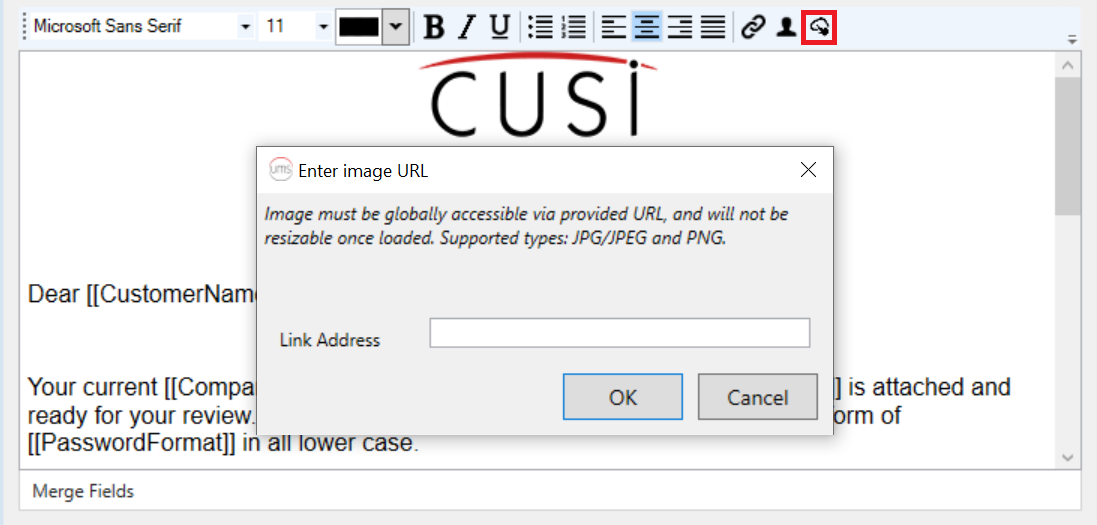
It is advised to ensure that the provided link will always lead to the desired image. Unlike an embedded image, linked image content is not saved to the database, and will be retrieved from the provided link every time the template is loaded in the editor, or an email generated using the associated template is opened.
Note that some email clients could block embedded/linked images as part of their security protocols. It may be necessary for the email receiver to explicitly unblock the blocked content or list the company email address as a safe sender.